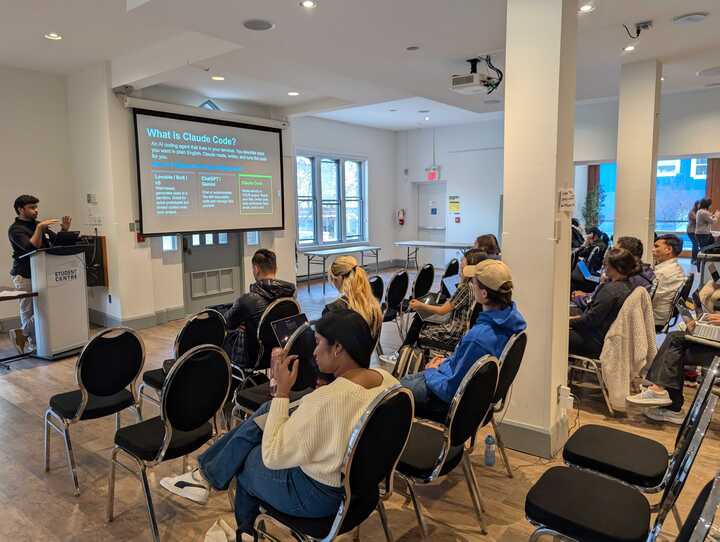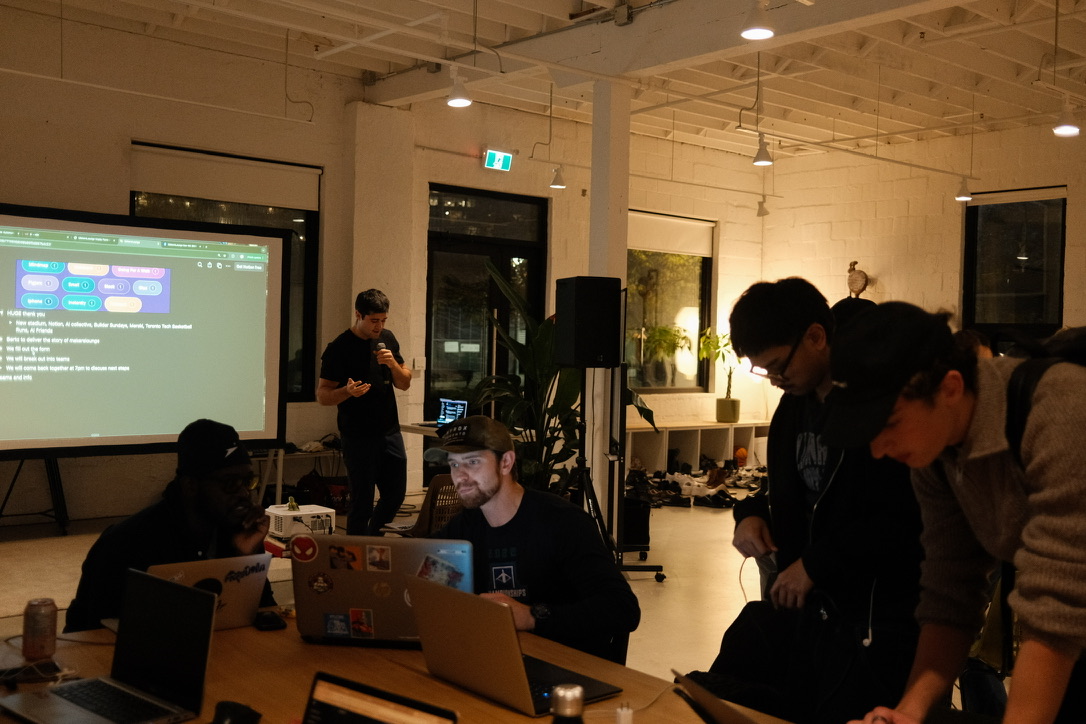
Matias Gonzalez Fernandez builds the interactive bits of Vercel's public websites — the shader work, the 3D scenes, the things that make a launch page feel alive. At our agent-building workshop he gave a talk about none of that. He talked about the pipeline he built to do that work, and about the framework Vercel shipped so that nobody has to build that pipeline again.
The talk was called "Building durable agents with Eve." Here's the argument — and if you'd rather hear it from him, the full 18 minutes are on the talk page:
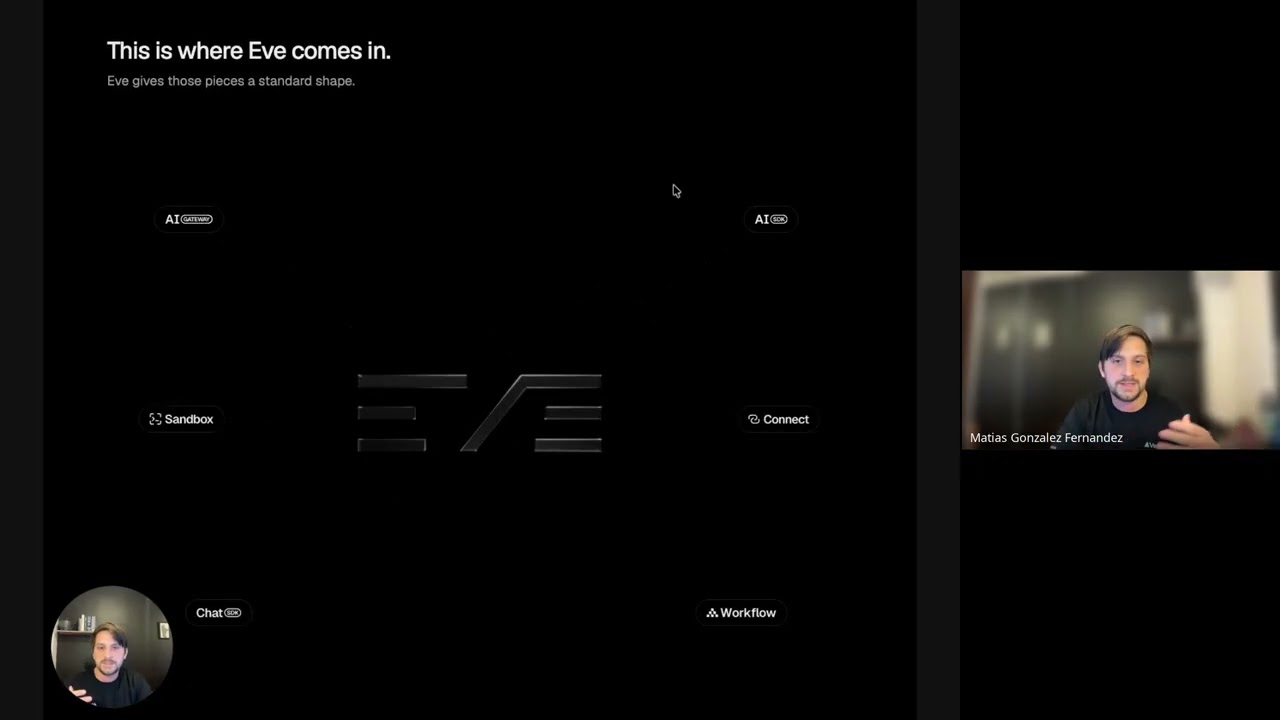
▶ Watch the full talk — free, no account needed.
The setup: he ships agents to ship the site
For the Vercel Ship website, the team built a 3D device with a little agent living inside it that you could summon from a terminal and ask to ship small games. On the homepage, other agents walked around the page. That produced a bug worth remembering: the agents kept walking over the content. The fix was a dynamically calculated navigation mesh, so the agents could follow you around the page and interact with you while avoiding certain sections.
His point wasn't the mesh. It was what building the mesh cost:
All of that work requires a lot of research about workers, about assembly. You need to test a lot of this stuff and also do a lot of research in a short period of time.
So he stopped hand-researching and started shipping agent pipelines to do the research for him — the goal being better-quality PRs that arrive already tested by agents. Which is where he ran into the real subject of the talk:
If there's something that I learned from doing this, it's that shipping agents is hard.
He showed a graph where every dot was an agent and every line was one agent talking to another. Swarms of them. Getting a parent agent to delegate, track progress, and compact context across that mess is, in his words, a lot of work.
The exercise: build an agent with no framework
Rather than open with the framework, Matias did something more useful — he built up an agent from nothing, one primitive at a time, so you could feel the wiring accumulate.
You need to call a model. Not one model, several: you don't want your most expensive reasoning model handling every trivial task, and different models genuinely behave differently on different jobs. But every provider has its own API. Hence the AI Gateway — one API scheme across providers — and the AI SDK as the TypeScript/Python way to call it, handling request formats, streaming, structured outputs, and tool calls, while still letting you pass provider-specific options through.
import { generateText } from 'ai';

const { text } = await generateText({
  model: 'anthropic/claude-opus-4.8',
  tools: { fetchWeather },
  providerOptions: {
    anthropic: { effort: 'high' },
  },
});
A coding agent needs its own computer. It has to clone repos, install packages, run commands, test its own work — and you emphatically do not want that happening next to your production app. So: a sandbox. Vercel Sandbox, for example.
It needs credentials. A private repo to clone, Linear tickets to read, Slack to post in. You could stuff long-lived tokens into environment variables, but as he put it, "the scope of that environment variable will probably be too large." Connect issues short-lived tokens scoped to the specific task instead. The agent gets access; it never gets the credential.
You need to talk to it. An agent running in the cloud that you can't reach is not much use. The Chat SDK connects one schema to Slack, WhatsApp, GitHub, and friends.
And it will break. You'll get rate-limited. A tool will fail. A process will restart. Vercel Workflows splits the run into steps and checkpoints after each one, so a failure resumes from the last good step instead of taking down the whole process — plus a step graph in the dashboard to debug what actually happened.
That's the durable agent. And that's the punchline:
This is a lot of primitives that you have to wire in, read the documentation for. It's a lot of setup. And we didn't even get into context compaction or observability — these are just the primitives to make it work.
The move: an agent is a folder
Eve is the reusable layer over that pile. Matias was careful about what it is and isn't: it does not replace the primitives. It still uses the AI SDK, the Gateway, Sandbox, Connect, all of it. It just ships them pre-wired, so every new agent starts from a working foundation instead of a blank directory.
He called it "the Next.js for agents," and the comparison earns itself in the file layout — because in Eve, an agent is a folder, and each file in it has a role.
Two files are enough to have something running:
my-agent/
  package.json
  agent/
    agent.ts          # configuration — the model, mostly
    instructions.md   # the job, and how to behave
  evals/
instructions.md is prose. It describes the goal and the behaviour:
# Incident reviewer

Investigate what happened.
Explain what happened and recommend next steps.
agent.ts is the config:
import { defineAgent } from 'eve';

export default defineAgent({
  model: 'anthropic/claude-opus-4.8',
});
From there you add capabilities by adding files, not wiring:
| Folder | What it holds | Loaded |
|---|---|---|
tools/ | A TypeScript function the agent can call — description, input schema, execute | Always available |
skills/ | Instructions for one specific task | Dynamically, on demand |
connections/ | Outbound access to external systems via short-lived tokens (e.g. the Linear MCP) | On use |
channels/ | Inbound — Slack, Discord, GitHub, so you can tag the agent and trigger work | Always |
subagents/ | More agents, same folder structure recursively | On delegation |
evals/ | The tests | In CI / on demand |
The distinction between skills/ and instructions.md is the one worth internalising. Instructions are always in context. A skill loads only when it's needed — his example was a browser-debugging skill, which shouldn't be burning tokens on every single run when most runs never touch a browser.
And the framework does the discovery. Drop a file in tools/ and the agent has that tool. As he kept repeating: "There is no wiring that we need to solve. If I want to add more tools, just add more files."
The best idea in the talk: point your evals at your docs
Evals are the tests for agents. You hand the agent a task and assert on the result — did it finish, did it call the tool you expected, did it produce the output you wanted. For the fuzzy cases, you spin up a second agent inside the eval to read what the first one did and judge whether it succeeded.
Standard so far. Then Matias inverted it:
When shipping a library that has a CLI, has a skill, and everything, I want to understand how AI agents will interact with my product or library. So what I can do is write tests — but instead of iterating on the agent, I iterate on the library, to make sure that agents understand my documentation well.
Same eval harness, opposite target. The agent stops being the thing under test and becomes the measuring instrument, and the thing being iterated is your library's docs, CLI, and skill files. Swap the model and you find out how a different agent reads your documentation.
If you ship developer tooling in 2026, that reframe is worth more than the rest of the stack combined. Your docs now have a second audience, and this is how you test against it.
Beyond the basics
Eve also covers the things you hit at month three, not day one:
- Tool approvals — pause for a human before a sensitive action.
- Context compaction — configurable, rather than something you hand-roll.
- Subagent workflows — a main agent defines a pool of agents and triggers them.
- Extensions — package a reusable bundle of tools + skills + connections and share it across every agent you own.
- Schedules — run an agent on cron. His example: every few hours, go read the logs and usage and write up a report.
You are not locked into Vercel
This was the part I didn't expect from a Vercel talk. Every primitive is swappable:
- Want a fully offline agent? Import Ollama as the model provider and run locally — or pay for the Ollama API instead of the Gateway.
- Don't want Vercel Sandbox? Plug in your own sandbox provider, or plain Docker for local work.
- Sandbox network access is configurable, including blocking internet access outright.
Getting started
# scaffold a new project
npx eve@latest init my-agent

# or teach your existing coding agent to build one with you
npx skills add vercel/eve
That second command is the one to notice. It doesn't scaffold anything — it hands the Eve skill to whatever coding agent you already use, so the agent writes the agent.
The recap, in his words
A new agent is a folder. We can start with the instructions.md and the agent.ts for configuration. And then just add capabilities as files — tools for actions, skills for procedures, and connections for connecting to systems. It will discover those files and just wire them up.
Eighteen minutes, one idea, held all the way through. Thanks for coming, Matias.
Matias Gonzalez Fernandez is a design engineer at Vercel. The full talk and transcript are on the talks page — free, just drop an email.